How I Built a Carousel Factory (And What Broke Along the Way)
TL;DR: I automated LinkedIn carousel production using the Google Slides API and Python. A JSON brief goes in — hook, tension, proof, reframe, CTA. Five PNGs and a PDF come out, ready to publish. Human time per carousel: 2 minutes. API cost: zero. Five things broke during the build; each one is worth knowing about. Here is the whole thing.
Most people who talk about content automation have never shipped a piece of content that was actually automated. They have dashboards. They have workflows drawn on whiteboards. They have a Canva account and a scheduling tool and a process that still requires a human sitting in front of a screen for 45 minutes every time they want to publish a carousel.
That was me last month. Two to three LinkedIn carousels per week. Each one: open Canva, pick a template, paste five blocks of text, nudge the alignment, export, upload, write the caption, post. Forty-five minutes on a fast day. Ninety if the design fought back.
The math is simple. Three carousels per week at 45 minutes each is over nine hours a month spent on production work that adds zero strategic value. The writing matters. The design decisions matter once, when you set the template. The mechanical act of cloning, pasting, exporting, and uploading is pure waste.
So I built a pipeline that eliminates it. A JSON brief goes in. Five PNGs and a PDF come out. Total human input after the system is running: two minutes to write the brief and one click to approve. Everything between those two moments is handled by code talking to APIs.
This is what actually happened when I built it, including the parts that broke.
The Conventional Approach
The standard advice for scaling carousel content is to invest in templates. Make three or four good ones in Canva, reuse them, batch your production time. The more sophisticated version adds a VA or junior designer to the workflow.
Both approaches have the same structural flaw: they reduce time per unit but keep a human in the loop for every unit. You are optimizing a manual process instead of replacing it.
The tool landscape reflects this. Canva dominates manual carousel design. Supergrow and PostNitro position themselves as end-to-end LinkedIn content tools with AI-generated carousels. Taplio bundles carousel creation into a LinkedIn growth suite. ContentIn focuses on personal branding workflows. Every tool that claims to automate this still requires a human in the loop for every single output.
The agentic marketing approach is different. You build the system once, encode your design decisions into a template, and let the pipeline handle production. The human reviews output, not process.
The numbers justify the investment. LinkedIn carousels generate roughly 278% more engagement than video posts and 596% more than text-only posts. Median engagement rate sits around 21.77%, compared to 7.35% for video and 3% for standard images. Carousels are the highest-performing format on the platform, and most creators cannot produce them fast enough because the production bottleneck eats their capacity.
LinkedIn carousel average engagement rate hit 6.60% in 2026 — up 44% year-over-year.
What I Actually Built
The pipeline has three layers: content, generation, and distribution.
Content layer. My content agent writes a carousel brief as a JSON file. Five fields: hook, tension, proof, reframe, CTA headline. Each maps to one slide. The brief takes two minutes to write by hand, or the agent generates one from a topic prompt.
Generation layer. A Python script (generate-carousel.py) picks up the brief, clones a Google Slides template via API, and replaces seven text placeholders: {{HOOK}}, {{TENSION_LABEL}}, {{TENSION_BODY}}, {{PROOF_LABEL}}, {{PROOF_BODY}}, {{REFRAME}}, and {{CTA_HEADLINE}}. It runs a batchUpdate, exports five PNGs via the Slides thumbnail API, and drops them into an approval queue.
Distribution layer. After I approve, the script publishes to LinkedIn via Document upload and post API. The same five PNGs work for Instagram’s Graph API carousel publish, Facebook multi-photo posts, or manual upload to YouTube Community. The PNG files are the universal currency. Every platform consumes them differently. The generation step does not care which one comes next.
Two design templates handle different content needs. Template v1 is a photo style: full-bleed cover image, dark gradient overlay on the lower third, warm white content slides. Template v2 is an X/Twitter screenshot style: near-black background (#0F0F0F), Inter font, circular avatar on every slide, thread emoji top right. The script auto-selects based on whether the Drive photo folder has images. Photos available, v1. Empty folder, v2. A force-override flag in the brief handles edge cases.
Both templates share the same five-slide structure. Slide one: hook on a dark background. Slides two and three: tension and proof on warm white. Slide four: the reframe on dark. Slide five: CTA on orange, driving to benedictschweiger.com/autonomy-score.
This is the v2 output — X/Twitter style, Inter font, circular avatar — generated from a single JSON brief:
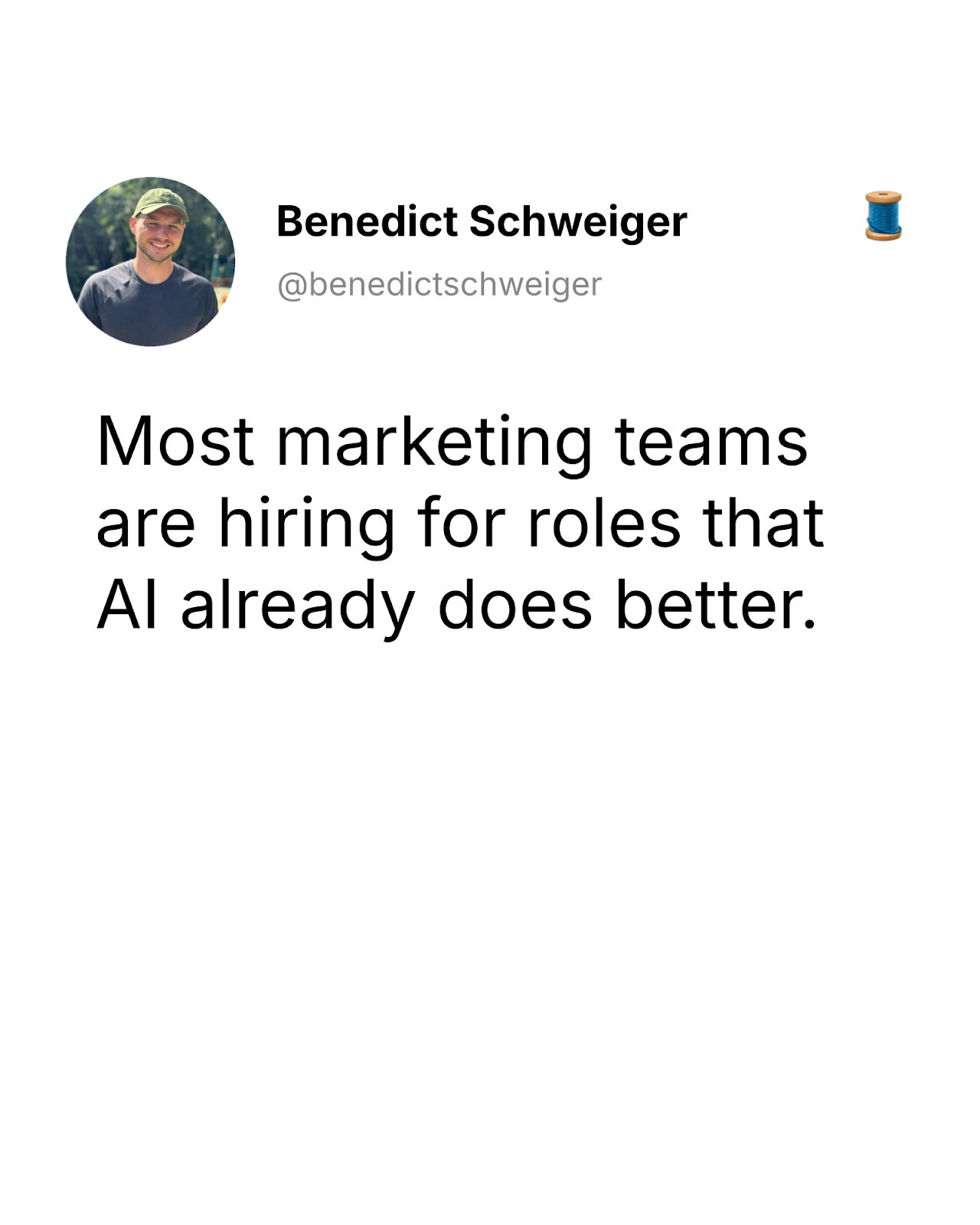
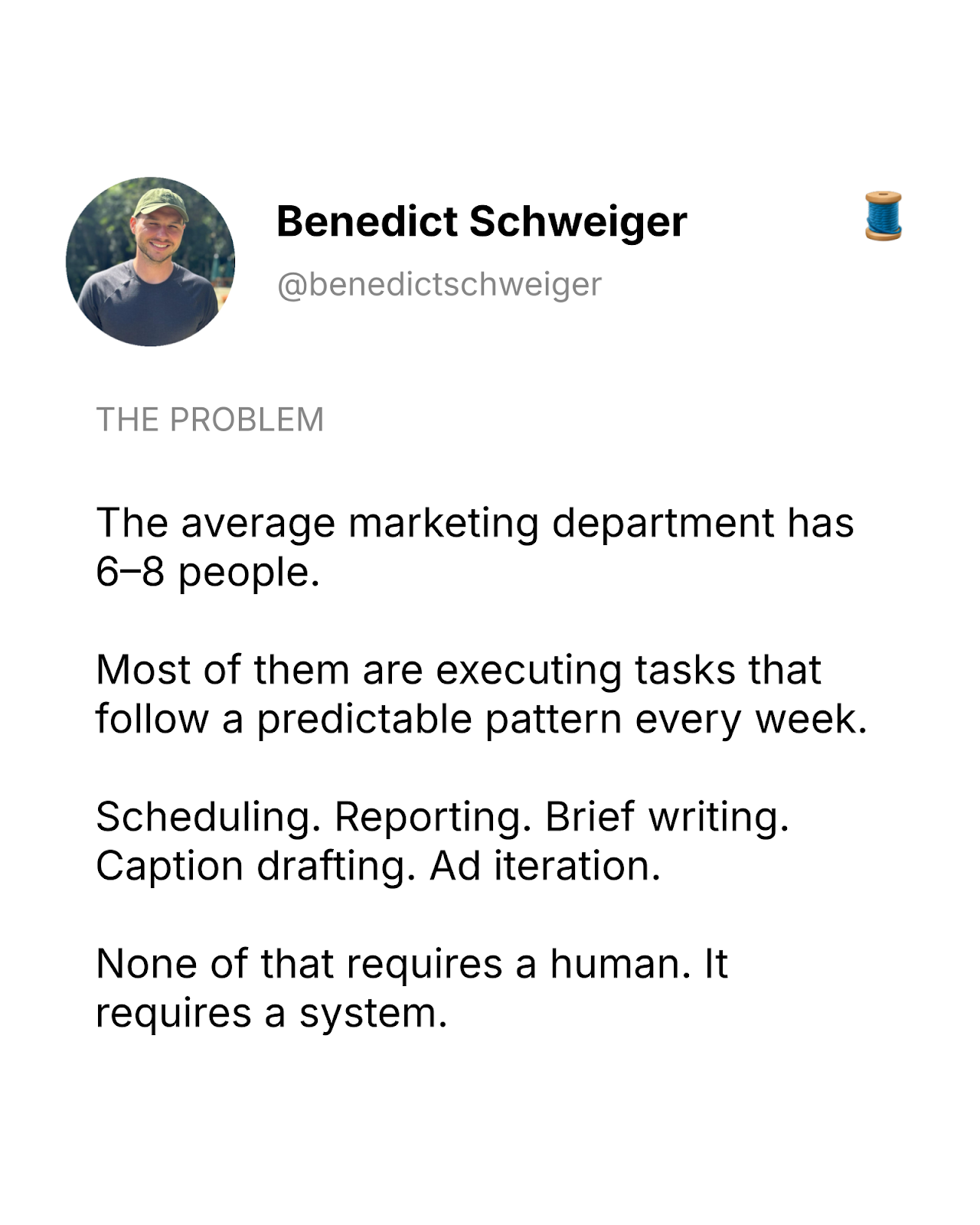
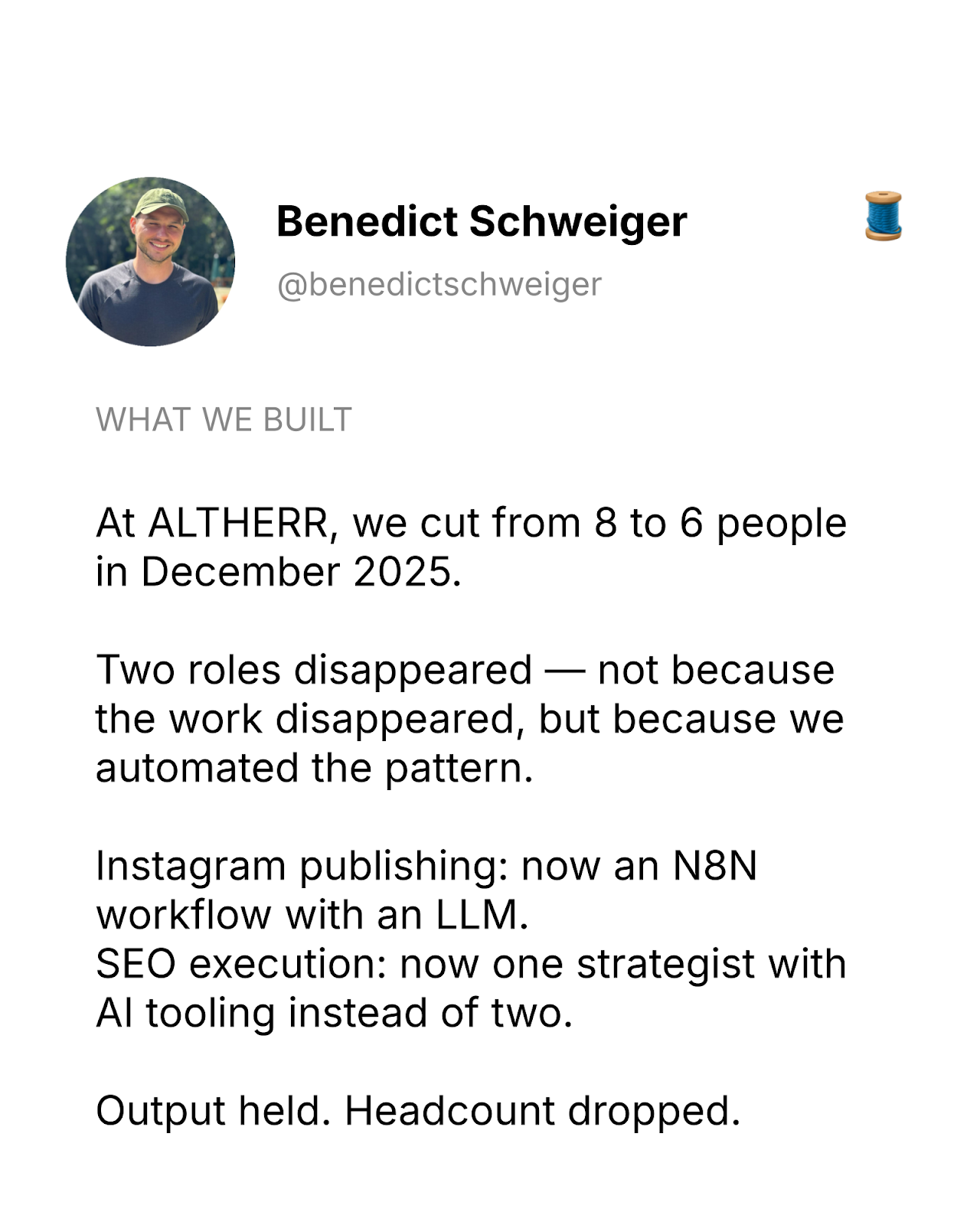
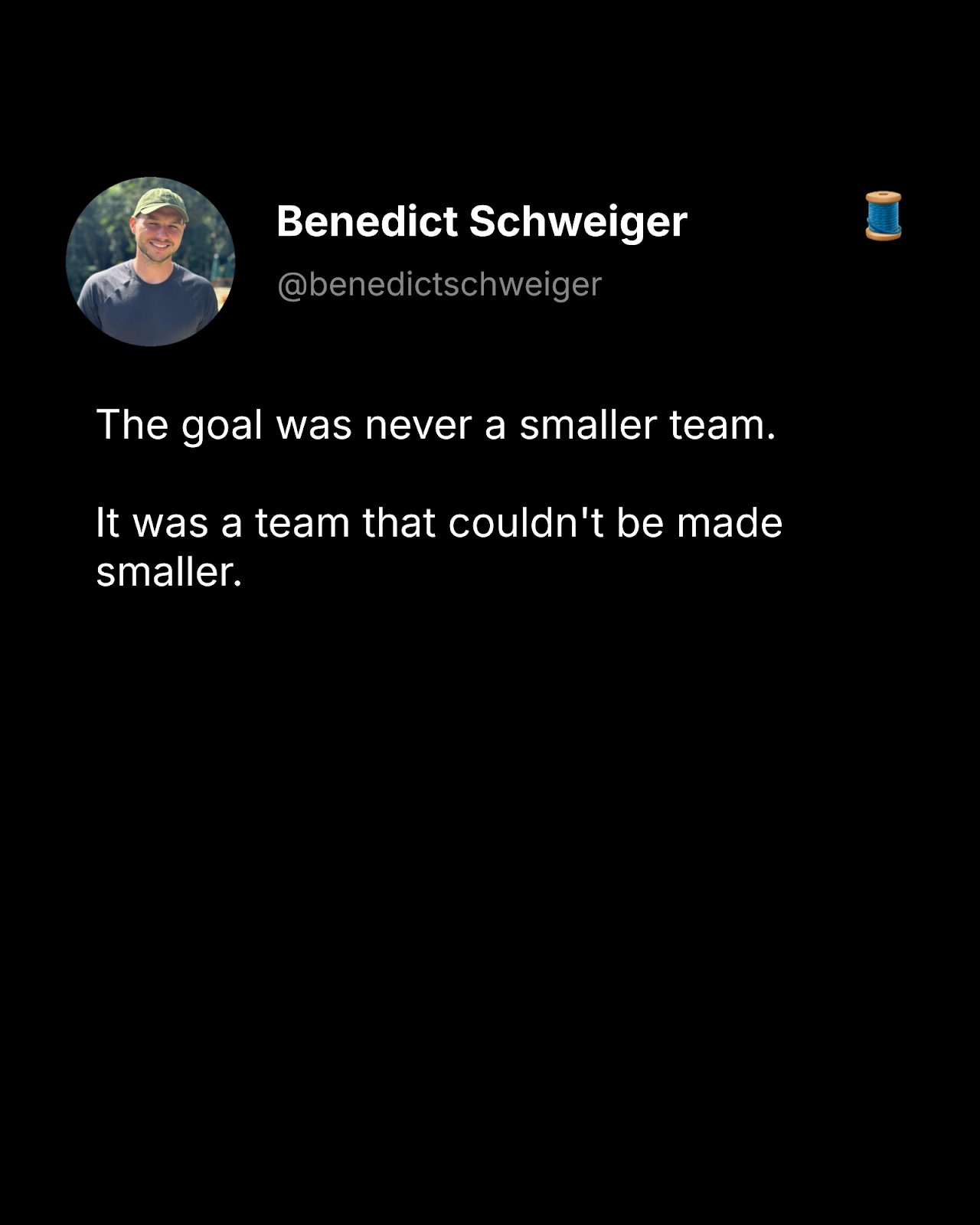
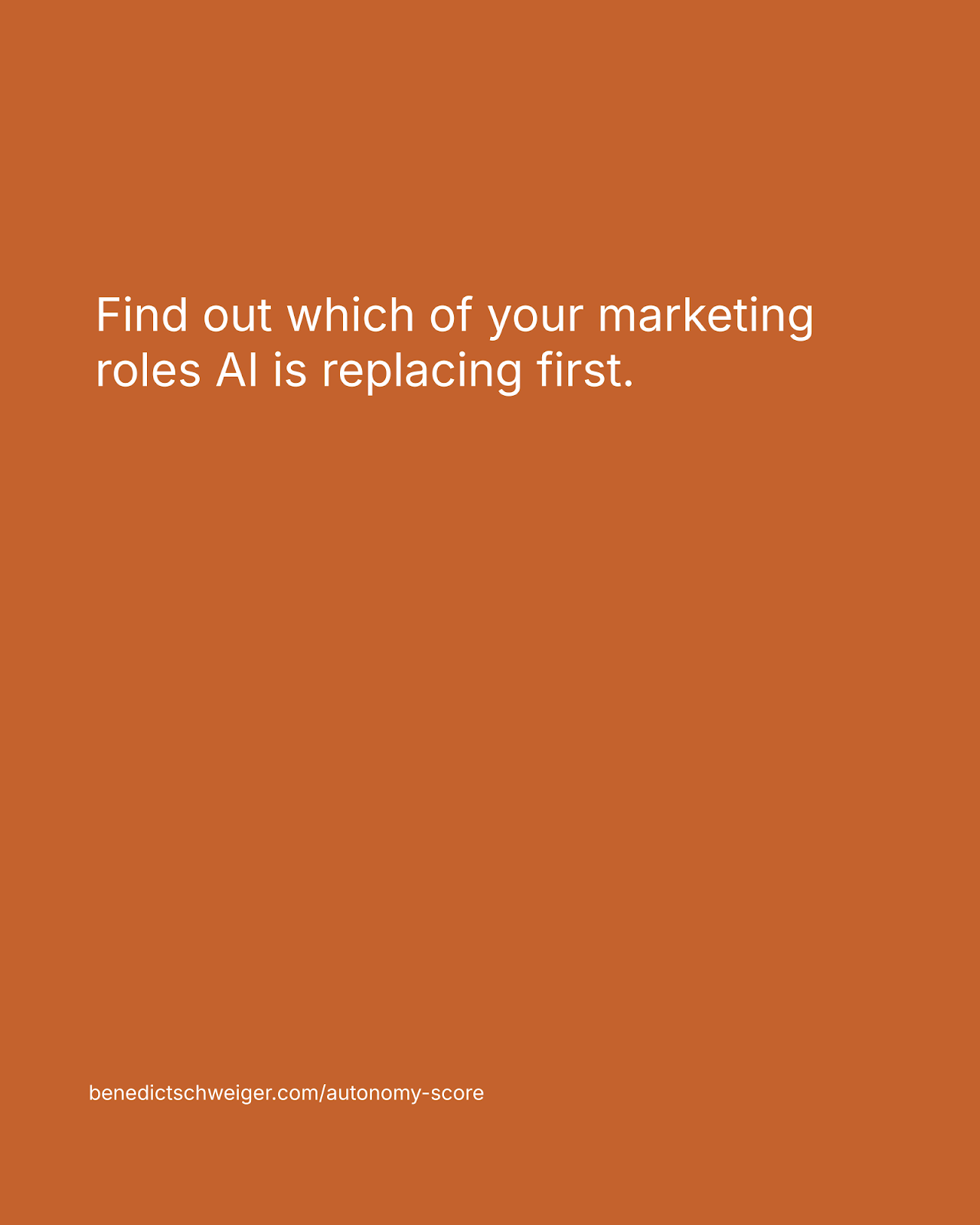
↔ Scroll to see all five slides — generated from one JSON brief, zero manual design work.
And the v1 output — same brief, photo template, full-bleed cover fill calculated programmatically:
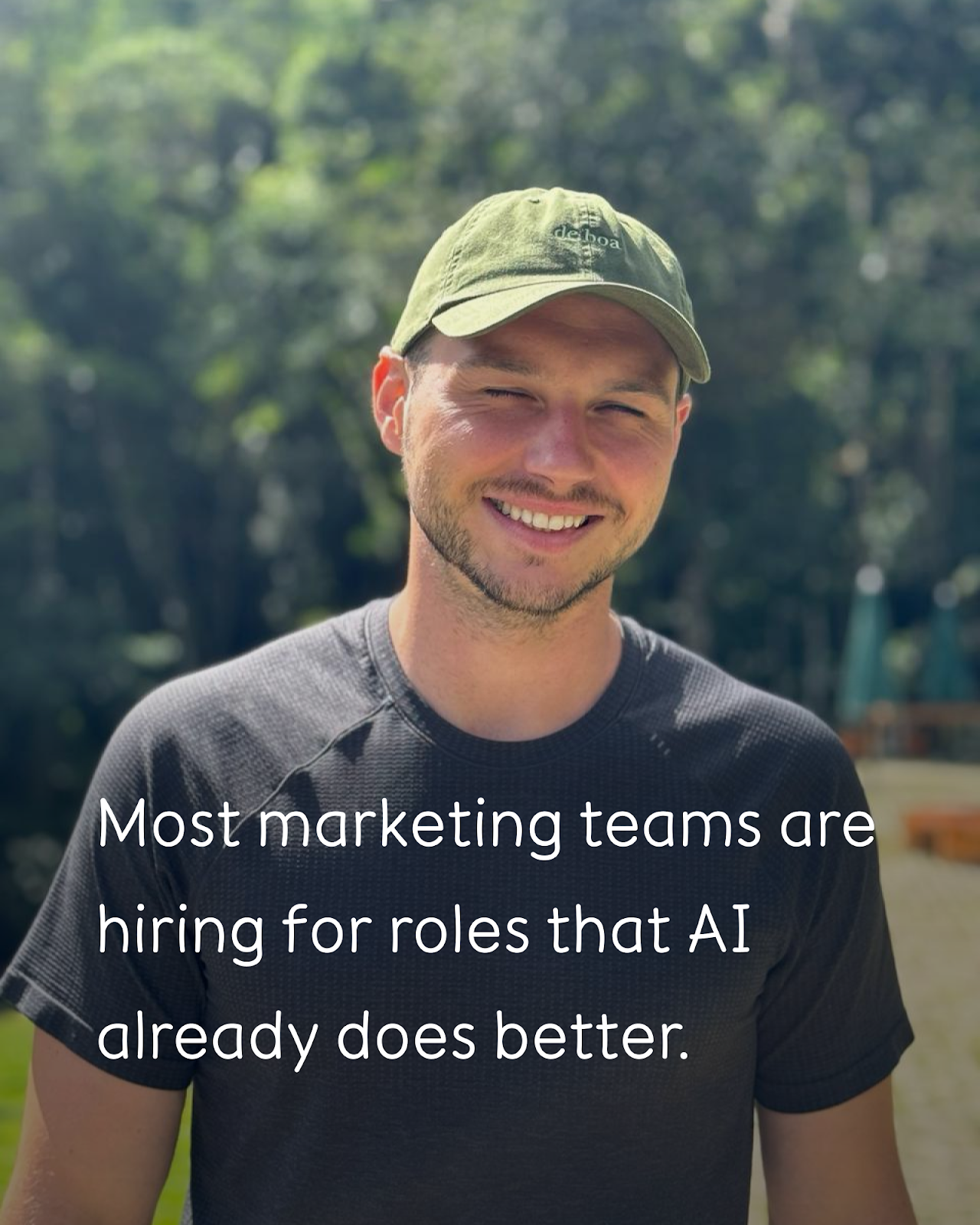
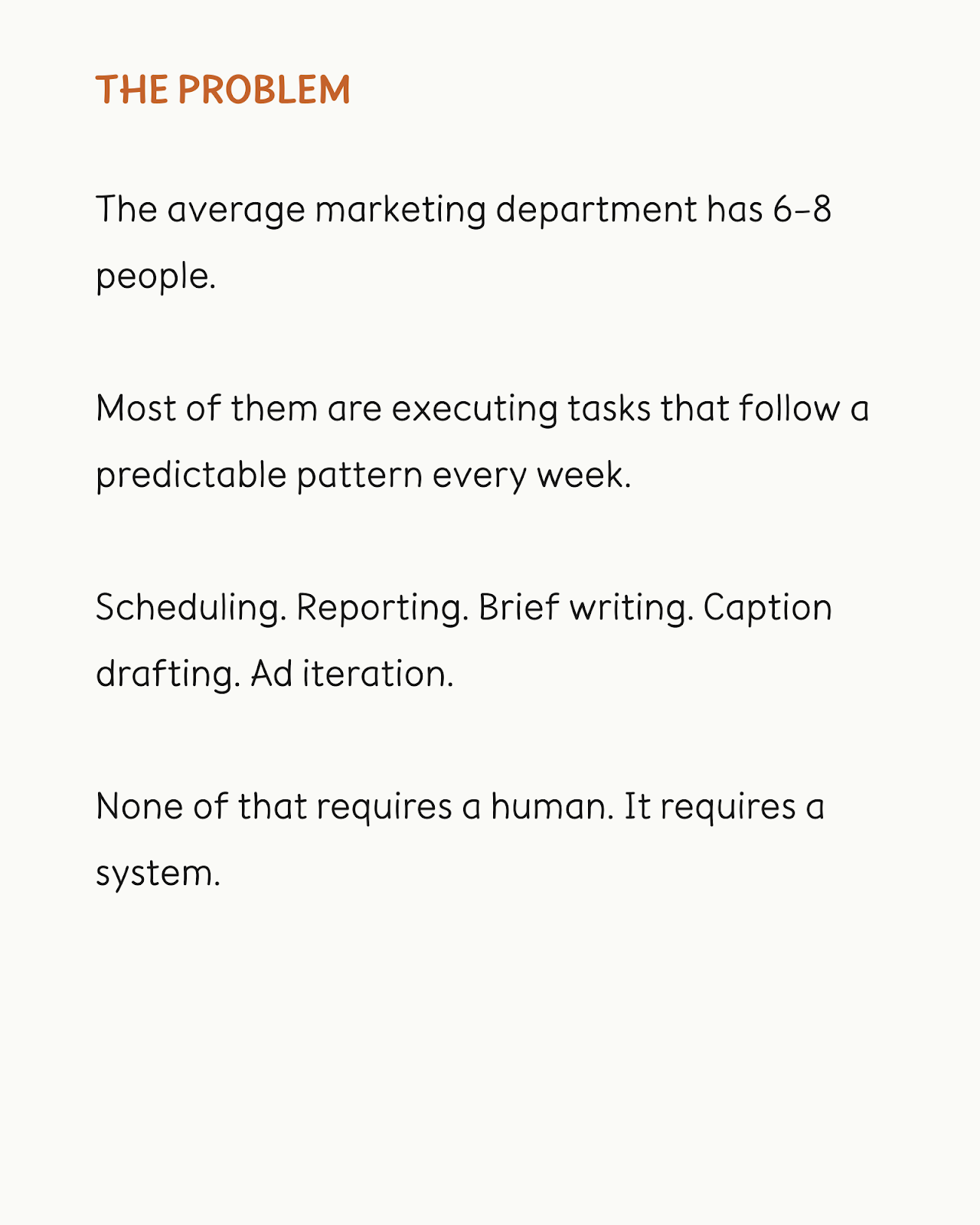
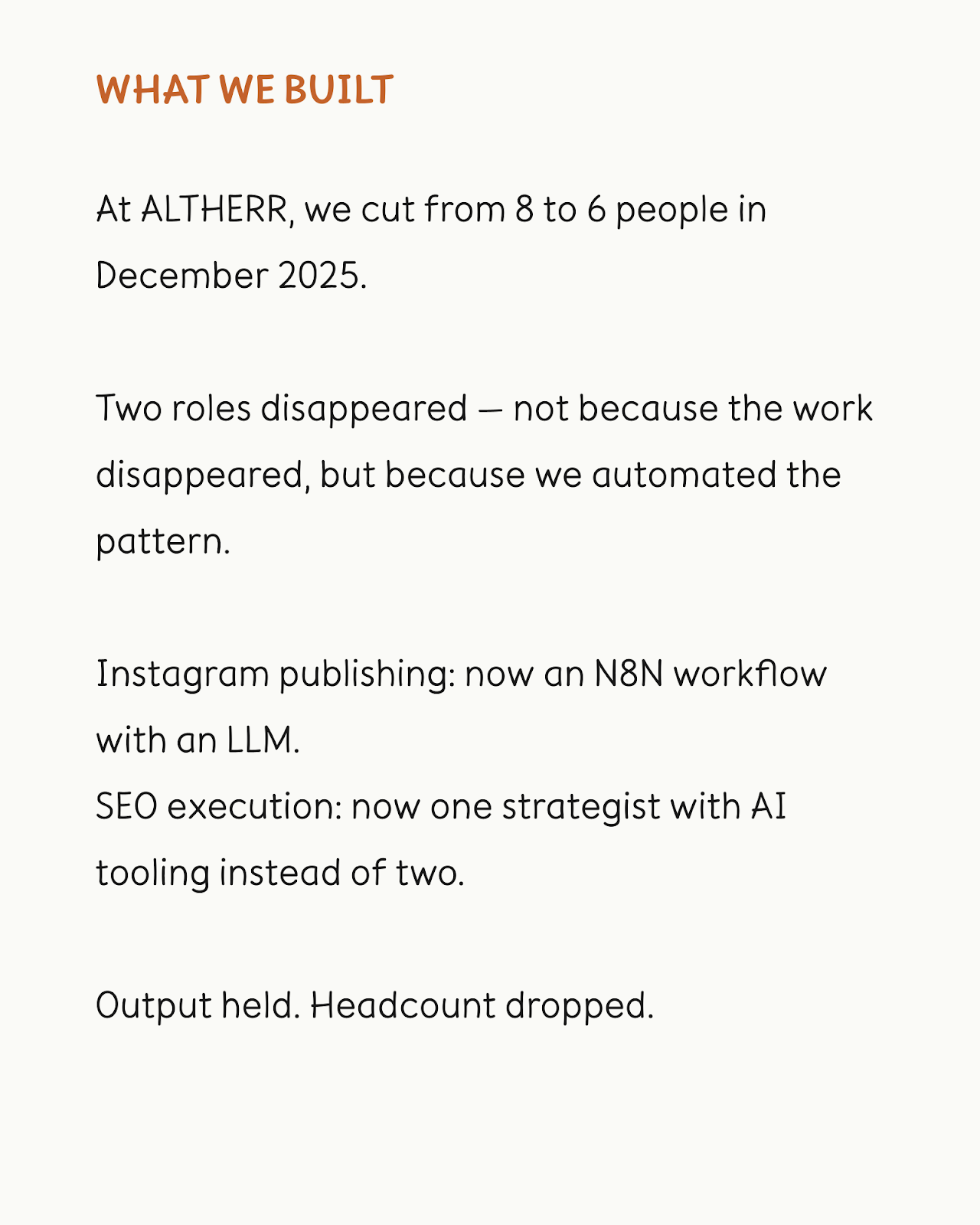
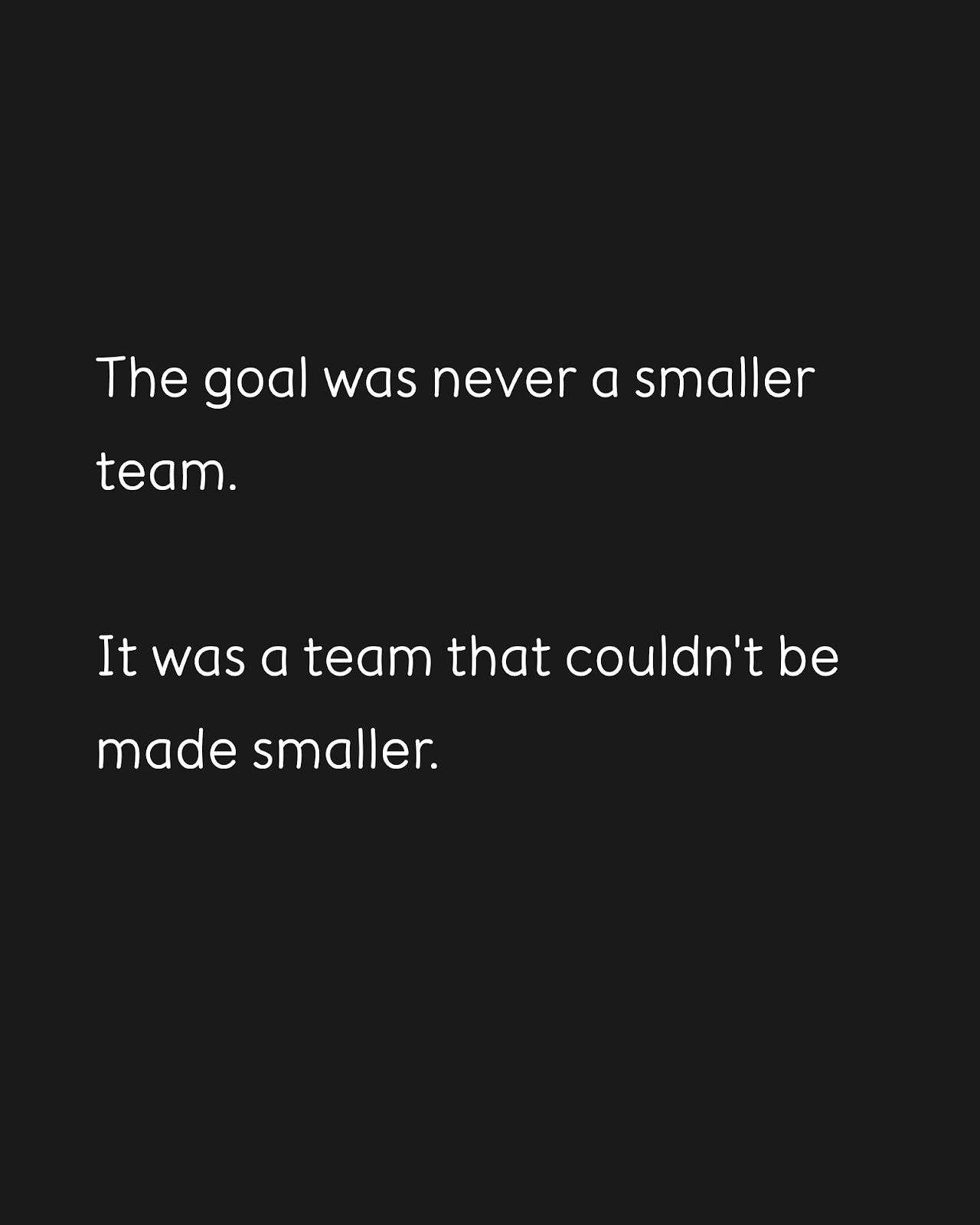
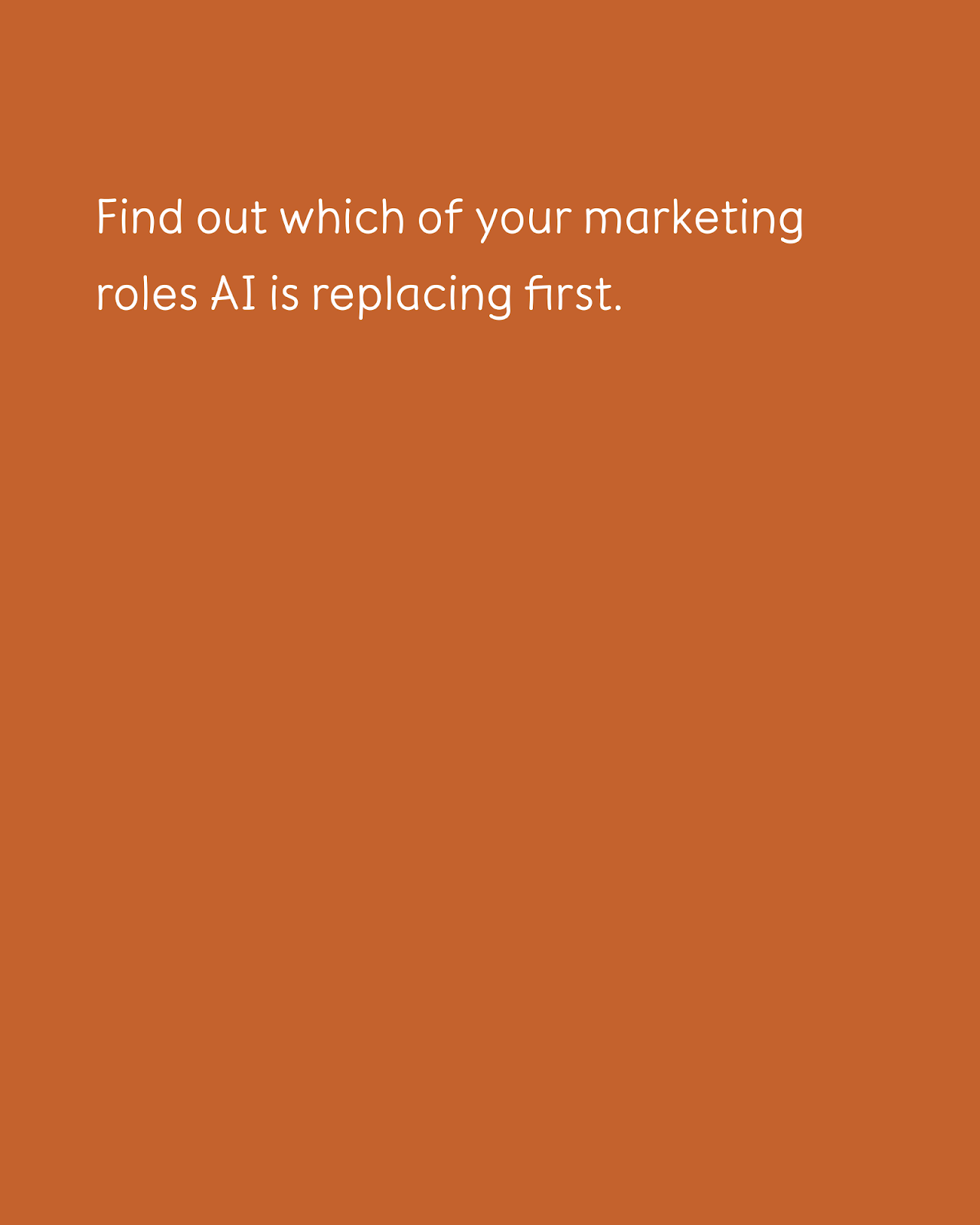
↔ Scroll to see all five slides — photo template, full-bleed cover fill calculated programmatically.
The tech stack is deliberately minimal. Python 3, urllib, Pillow for image processing, and OAuth 2 with a refresh token for all Google APIs. No external frameworks. No paid services. Total API cost per carousel: zero. Google Slides API has no per-request fee. Drive storage runs on free tier.
Five Things That Broke
The interesting part of building this pipeline was not the parts that worked. It was the parts that did not, because each failure revealed something about how these APIs actually behave versus how their documentation suggests they behave.
1. Google Slides API cannot change page size.
I needed portrait 4:5 slides for LinkedIn carousels. The pageSize field exists in the Slides API data model. It does not exist in batchUpdate. You cannot set it programmatically. The workaround is embarrassingly simple: set the page size once, manually, in the Google Slides UI. Every clone inherits it. The template becomes the source of truth for anything the API cannot control.
**Template as source of truth.** Rather than fighting the API for control over layout properties it does not expose, I encoded all non-text design decisions into the template itself. The script only touches text content. Fonts, colors, page dimensions, element positioning — all live in the template. This means design changes happen in one place (the Slides UI) and propagate to every future carousel automatically. The API does what it is good at: cloning and text replacement. Nothing more.
2. stretchedPictureFill does not exist at runtime.
The avatar on template v2 needs a photo inside an ellipse. The Slides API documentation shows a stretchedPictureFill property for shape backgrounds. It looks valid. It parses. At runtime, the API returns “Unknown name.” The field exists in the docs but not in the REST implementation. Workaround: pre-process the photo with Pillow to a circular PNG with alpha transparency, upload to Drive, insert as an image element on top of the ellipse. More steps, but it actually works.
3. DARK1 theme color renders as invisible black.
The thread emoji on template v2 used DARK1 as its theme color. In the Slides editor, it renders visibly. In the PNG export, DARK1 resolves to pure black, invisible against the #0F0F0F background. The fix was straightforward once diagnosed: set the color to explicit RGB {red: 1, green: 1, blue: 1} (white) instead of relying on the theme mapping. But diagnosing it meant exporting a slide, staring at a blank corner, and then querying the API to read what color the renderer was actually using.
4. Inter font does not render emoji in server-side PNG exports.
This one cost the most time. The thread emoji (🧵) on every slide was set to white, confirmed white in the API data, correctly positioned. It did not appear in exports. The root cause: Inter is a Latin-only font with no emoji glyphs. The Google Slides server-side PNG renderer has no emoji fallback. If the font cannot render the character, the character disappears.
I tried programmatic injection: delete the text box, insert an image in its place. It worked but added complexity to every template update. The final solution was simpler. I downloaded the Twemoji PNG for the thread emoji, pasted it directly into the template as an image element. Images always render. Text emoji never will in this export pipeline.
5. Cover photo fill math.
Filling a slide with a photo without black bars or distortion requires knowing the source image’s aspect ratio. The script fetches imageMediaMetadata.width and height from the Drive API, calculates the scale factor needed to fill 9144000 x 11430000 EMU (portrait 4:5 in Google’s coordinate system), and computes x/y offset to center the crop. An 18 MB photo from a camera and a 128x128 emoji PNG need the same calculation. The math is not hard. Knowing you need it is the part that is not in any tutorial.
What This Actually Means
Most creators and marketers are stuck optimizing process when they should be eliminating it. The difference between “I streamlined my carousel workflow” and “I automated my carousel pipeline” is not semantic. One still requires you in the chair. The other does not.
Research shows marketers using AI save an average of 2.5 hours daily, and AI tools enhance production speed by 40–70%. This pipeline is the extreme version of that trend: not 40% faster, but 95% faster, because there is no manual step left to optimize.
This pipeline took one working session to build. It will produce every carousel I publish for the rest of the year. The marginal cost of the next carousel is two minutes of writing a JSON brief. The marginal cost of the fiftieth carousel is the same two minutes.
And the five PNGs the script produces are not locked to LinkedIn. The same files go to Instagram, Facebook, anywhere that accepts images. Build the generation layer once, and distribution becomes a configuration problem, not a production problem.
The Approval Layer
One piece was still manual after the generation step: reviewing drafts. Reading a raw markdown file in a Telegram message is not a real review experience. I wanted to read the post as it will appear, see the carousel slides as images, and approve or revise with one tap.
So I added a review UI to the site. Every piece of content Gary produces gets a generated page at benedictschweiger.com/review/[slug]/, behind a noindex meta tag. Blog posts render as readable prose at full width, exactly as they will look published. LinkedIn posts render as a mock LinkedIn card. Carousels show a swipeable image viewer with keyboard arrow support. At the bottom of every page: a feedback text box, a Revise button, and an Approve button.
Approve triggers a Netlify function that sends a Telegram message back to me. I receive the signal, run the publish script, log it. The review dashboard at benedictschweiger.com/review/ lists everything waiting, with the type and date.
The whole review flow is now: open a URL, read or swipe, leave feedback or click approve, close the tab. No Telegram previews to squint at. No context-switching between draft files and publishing tools.
This is what a complete agentic content pipeline looks like. Not a tool that helps you do the work faster. A system where the work happens, lands in a queue, and waits for one decision.
The Verdict
The carousel factory works. 45 minutes became 2 minutes. The API cost is zero. The design quality is consistent because it is locked into templates, not dependent on whether I am feeling creative on a Tuesday morning.
But the real takeaway is not the time saved. It is what the time savings reveal about where value actually sits in content marketing. The strategic decisions, the writing, the angle, the hook that makes someone stop scrolling — those are the hard parts. They are also the parts that take five minutes. Everything else is production overhead, and production overhead is a solved problem if you are willing to build the system instead of performing the process.
The tools exist. The APIs are free. The only cost is the willingness to treat content creation as an engineering problem, not a creative ritual.